 CloudBoost
CloudBoost Results
Evidence before claims.
This page separates what CloudBoost measures, what users report, and what the app cannot prove.
Results include the hardware, macOS version, game or service, connection and public source whenever available. One setup is never presented as a universal benchmark.
Measurement method
What Session Lab actually does.
- Start baseline
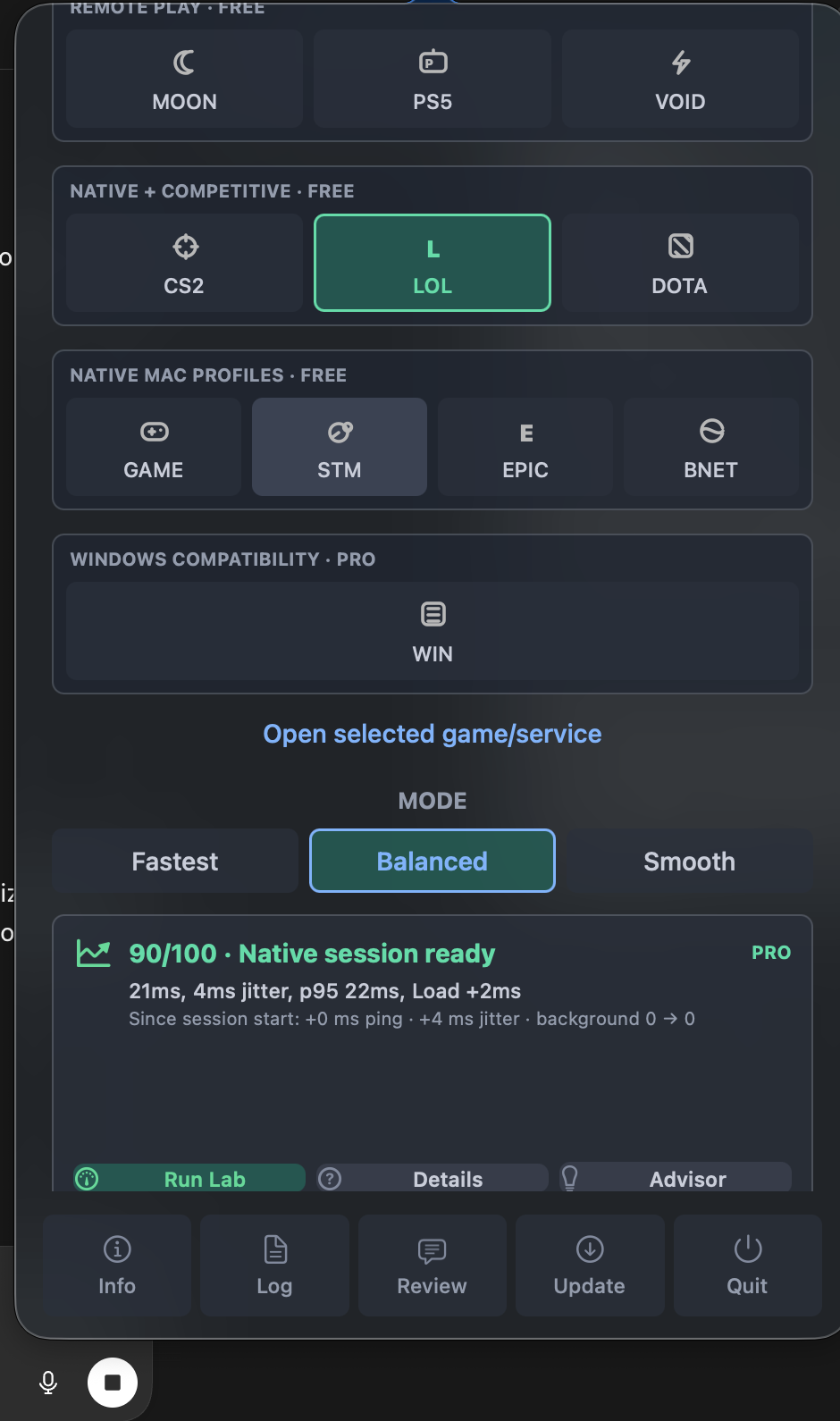
CloudBoost takes two short local samples when a session starts.
- Idle signal
Run Lab collects three fresh latency, jitter, packet-loss, UDP and system-health samples.
- Load check
A short 6 MB transfer checks how the route behaves while the connection is busy.
- Explain
The result compares baseline, current signal, thermal state, power mode and known background activity.
Published setups
Results that can be checked.
| Setup | Scenario | Reported outcome | Source |
|---|---|---|---|
| MacBook Air M4 macOS 26.5.2 |
Shadow PC Wi-Fi and Ethernet · PRO |
Reported steadier Wi-Fi behavior and less background-process impact. Ethernet was already stable. | GitHub issue #18 |
This is a user report, not an independent benchmark or guaranteed outcome. Results vary with router, ISP route, game, Mac, macOS version and background workload.
Diagnostic boundary
A clean report is also useful.
For native games, clean Mac-side signals mean the next investigation should move toward shader compilation, asset streaming, renderer frame time, the game engine or Rosetta/translation. CloudBoost cannot measure those directly.
Read the native gaming guideContribute
Positive, neutral and negative results belong here.
The structured form asks for enough context to make a report useful. Session Proof is welcome but optional, and users are told not to include personal information.
Reports stay on GitHub so the original author, wording and follow-up discussion remain public.